~/ FOOD DELIVERY next case
+++++++ Mobile First Delivery Service /2015
First Responsive Webdesign and Product feature Brand Merge for 11 Countries

- After my apprenticeship as Mediadesigner (Digital/Webdesignerin) in 2014 , I was starting my job at Lieferando, as Junior Front-End Developerin. In 2015 europes biggest player in the market of food delivery was in need for a responsive web experience! I contributed to the web frame work and was involved in the further RWD development and quality assurance of the css & js code (node.js, json, webpack, git workflow).
- Lieferando was founded in 2009 branded in Red, after the merge with takeaway.com in 2014, also known as Thuisbezorgd.nl - The Company with the Orange brand colours from the Netherlands. It was the start of a new aera expanding the food delivery service branded in orange and going responsive for 11 countries. I took over the role as first Inhouse UI Webdesignerin to align the UI Components for a complete re-design roll-out
As UI Designerin/Frontend we kicked of a new aligned user experience for web, app and mobile. Keeping the focus of the vision, I always emerse myself into the full story of the business and its mainly a reason I created Marketing assets to visualise the Brand Story.
Lieferando envisions a world where ordering food is effortless, fast, and enjoyable for everyone.


Smart Delivery Service and easy online order, with a variety of meals anytime, anywhere.
- 01 - Urban Millennials & Gen Z
Traits: Tech-savvy, convenience-driven, value fast and flexible options.
Behavior: Frequent app users, prefer cashless transactions, explore food variety. Targeting: Social media ads, mobile-first UX, student promotions, app notifications. - 02 - Busy Professionals
Traits: Time-constrained, efficiency-focused, often order during lunch/dinner breaks.
Behavior: Regular weekday usage, high demand for speed and reliability. Targeting: Office lunch campaigns, loyalty programs, corporate accounts. - 03 - Families & Households
Traits: Looking for easy meal solutions, especially during weekends.
Behavior: Group orders, larger basket sizes, occasional treats. Targeting: Family meal deals, weekend offers, scheduled deliveries.


Coherent Brand Style and Brand Tone of Voice, merging two Website systems.
- [+] With the merge of Thuisbezorgd.nl and Lieferando.de, we needed to define a coherent Brand Style and UI Interface Design for a seemles UX Experience. In 2016 I took over the role as first inhouse Webdesignerin (UI) with the Goal to align the user experience (UX) of the Web and App for all 11 countries.
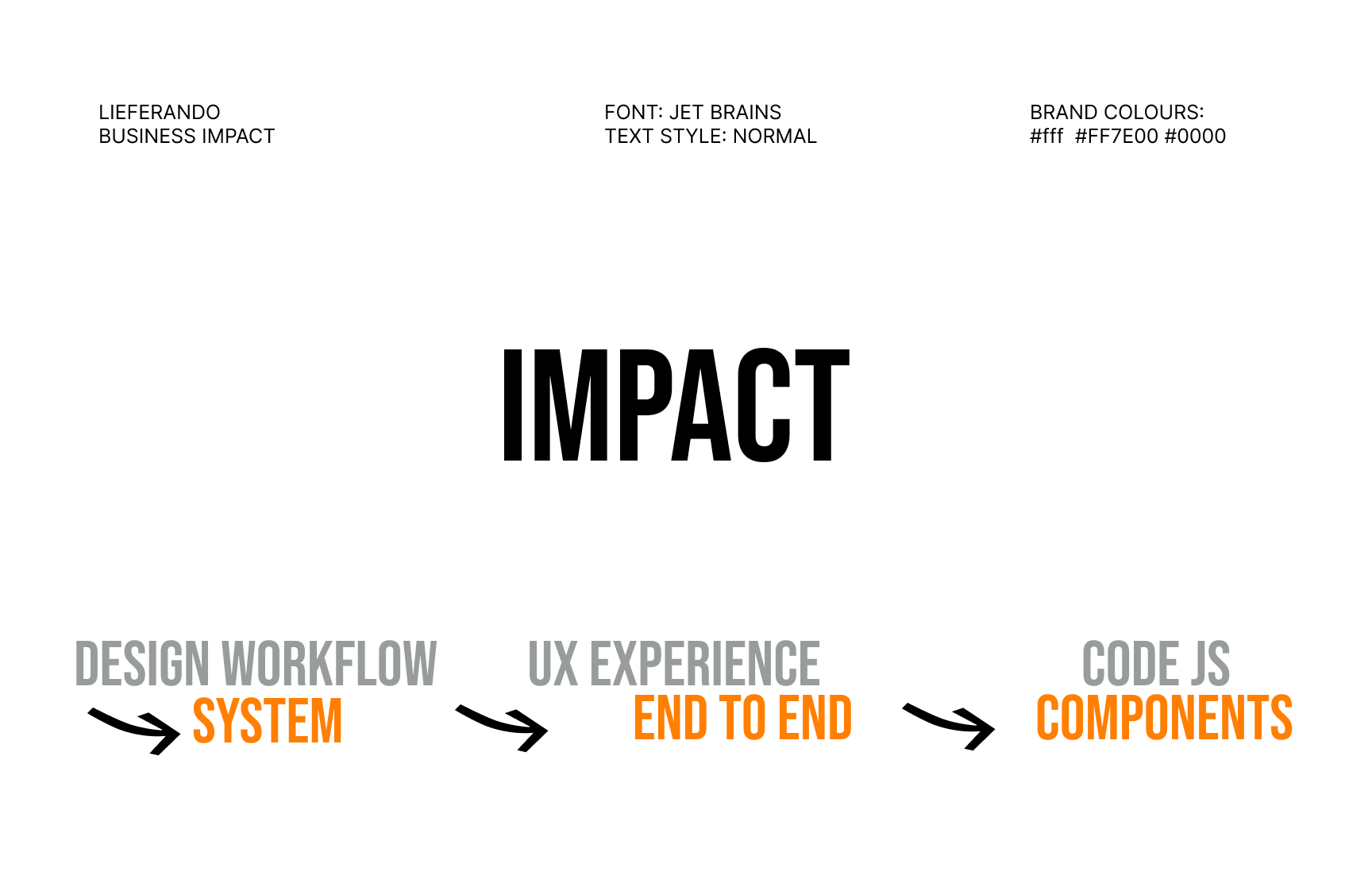
- I was responsible for redesigning the entire ordering process and customer journey of the food delivery platform. I developed a design workflow to ensure better collaboration within x-functional teams. With the creation of the first design system, I laid the foundation for better collaboartion among departments and to look beyond the web frontend team projects.
- I created first UI components, prototypes and a style guide which could be used for further development for the growing teams. Developing a Design System Helped to onboard new Designers and to align the various departments and Product Teams, as a foundation to guide the design requirements and opportunities of the entire organization working with key stakeholders throughout the process and keeping a coherent brand design language.


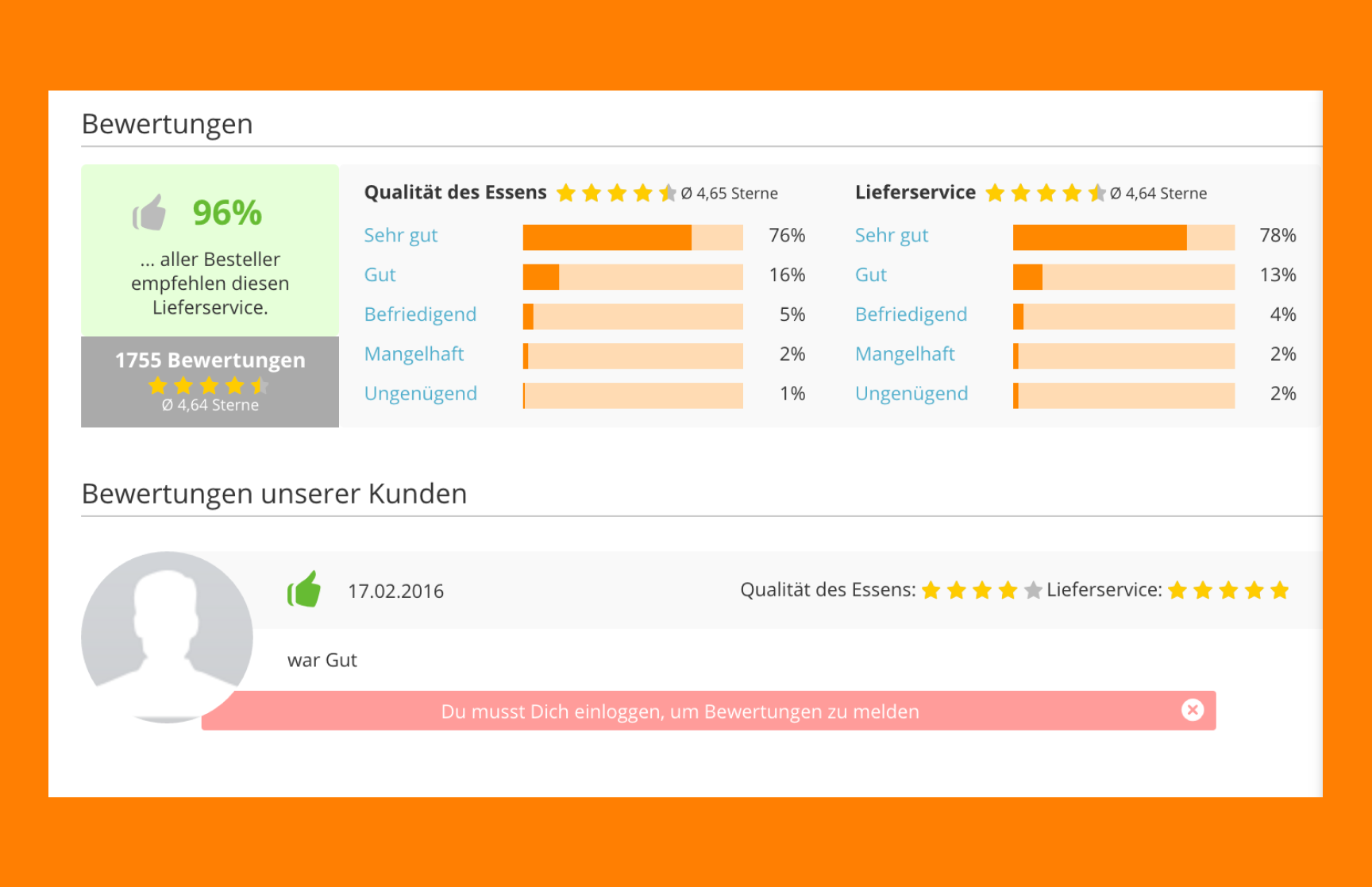
Trust signes and social proof' have been listed as top priority.
- Prioritize Speed & Simplicity: Users want to order food fast—eliminate friction. We show order Step process. Use clear CTAs, and minimal steps, and quick payment options.
- Clarity & Trust Are Essential: Provide transparent info on delivery times, restaurant ratings, and fees. Show real-time tracking and allow users to contact drivers easily. Reinforce trust through secure payment indicators, customer reviews, and service guarantees.
- Visual Appetite Appeal: Strong visuals: high-quality food photos, clean design, brand-orange accent color for energy and appetite. Balance appetizing visuals with clean typography and a grid layout to avoid clutter.


Search and Filter Functionality backed up by Data Analysis
- As part of the newly build UX Team, we worked in Google Design Sprints, where we investigated to define Personas, and evaulated Designs during User Test. We synthesised the users preferences to align the new features and to agree on a coherent vision backed up by web analytics and user data.
- I analysed the different web features on both plattforms and the web app. While conducting the ux design audit I identified a gap of features provided within the different markets and websites. Together with the new UX Team Lead, who was responsible in conducting deeper Analysis we synthesised the users preferences to align the new features and to agree on a coherent vision backed up by web analytics and user data.
- The initial Web experience was non responsive, especially with the rise of mobile phones, there was a high demand in creating a responsive interface Design. With the User Journey Audit, we collected a Feature Backlog Document and prioritised its impact and effort in future UX Research evaluation. Creating an Information architecture and process flows, helped us to understand the data and screen designs, which have been incooperated as design components.


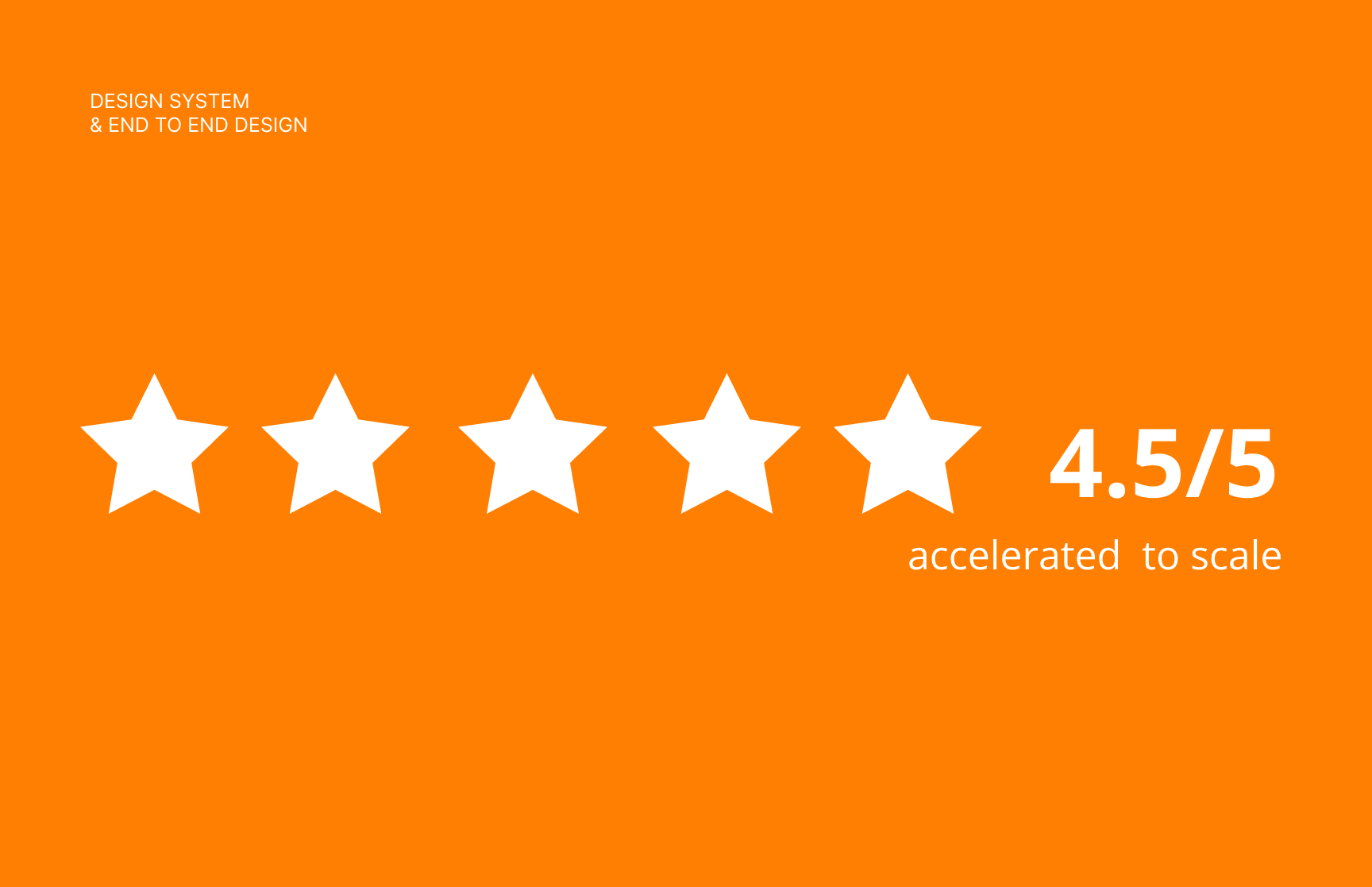
A Design System build to Scale a Design Team and Agile work Collaboration


Your Lieferando moments on all Social channels and Instagram 'Yummy..



++++++++ Key Takeaways
-
1. Prioritize Speed & Simplicity
Users want to order food fast—eliminate friction.Use clear CTAs, minimal steps, and quick reordering options. Support guest checkouts, saved addresses, and fast payment flows (e.g., Apple Pay, PayPal). -
2. Clarity & Trust Are Essential
Provide transparent info on delivery times, restaurant ratings, and fees. Show real-time tracking and allow users to contact drivers easily. Reinforce trust through secure payment indicators, customer reviews, and service guarantees. -
3. Mobile-First Experience
Most users order via app or mobile web → optimize UI for thumbs, speed, and responsiveness. Ensure accessibility and intuitive navigation even in low-attention situations (e.g., while commuting or multitasking). -
4. Personalization Drives Retention
Surface relevant restaurants and meals based on location, time, and past orders. Suggest offers, discounts, or combos that match behavior. Use smart defaults and machine learning to reduce decision fatigue. -
5. Visual Appetite Appeal
Strong visuals: high-quality food photos, clean design, brand-orange accent color for energy and appetite. Balance appetizing visuals with clean typography and a grid layout to avoid clutter. -
6. Consistency Across Touchpoints
Maintain a coherent brand voice: direct, friendly, and action-oriented. UI, marketing banners, support pages, and emails should all feel like the same brand. - 7. Design for All Users
Support first-time users (onboarding, hints, help) and power users (reordering, tracking, loyalty). Ensure accessibility, including readable fonts, color contrast, and assistive tech compatibility.